BMI Copier, Printer and plotter Repair experts in Northern NJ.
BMI Copier, Printer and plotter Repair experts in Northern NJ.services a wide array of Copier, Printer, Plotter models. Understanding which models we support helps customers quickly identify coverage, parts availability, and service timelines. Our Hackensack team works with both OEM new equipment and high-quality refurbished models to meet diverse budgets and performance needs.
Why a Models Page Matters
When an issue arises, knowing the precise make and model of your equipment speeds diagnosis and repair. For procurement decisions, understanding the capabilities and typical service needs of classes of devices — office printers, production printers, wide-format plotters, and label printers — helps you match performance to business requirements. This model's guide provides clarity and sets expectations for support and maintenance.
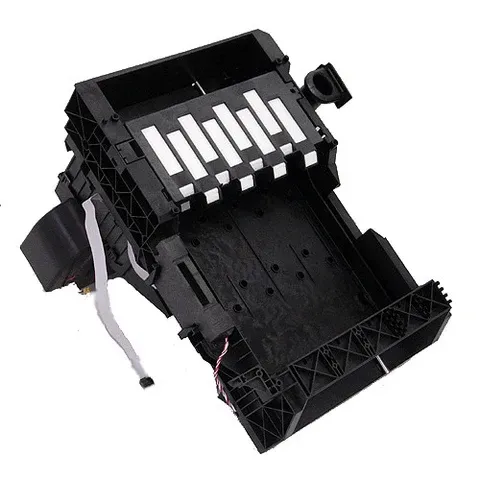
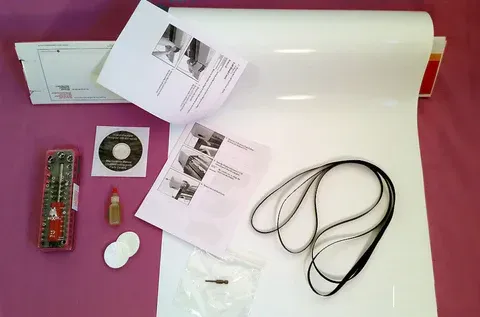
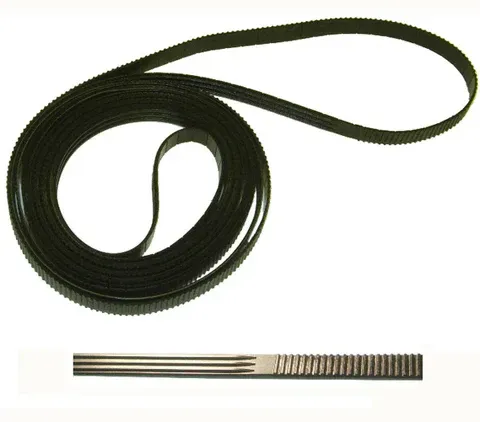
Newer Designjet Parts
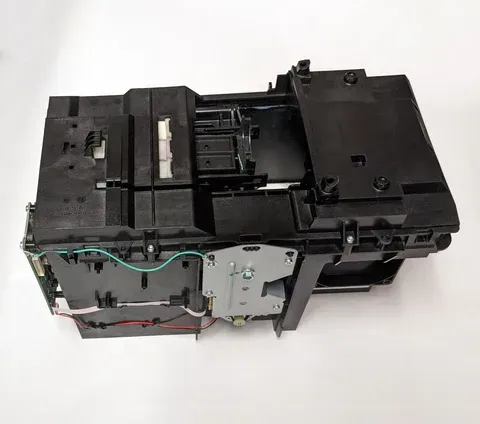
Designjet T920, T1500, T2500
Button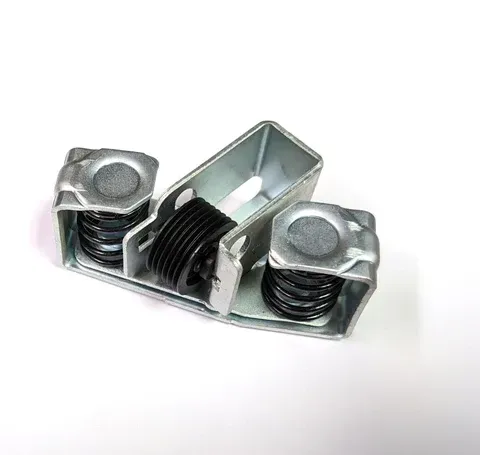
Designjet T930, T1530, T3500
Button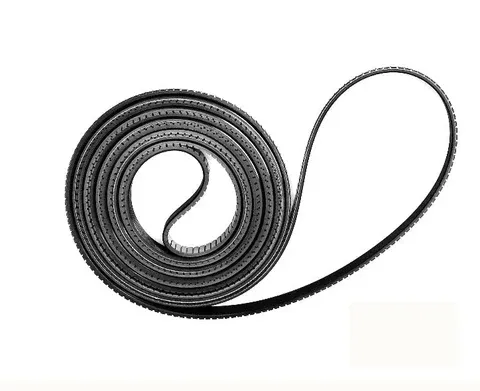
Designjet T1600 T2600
Button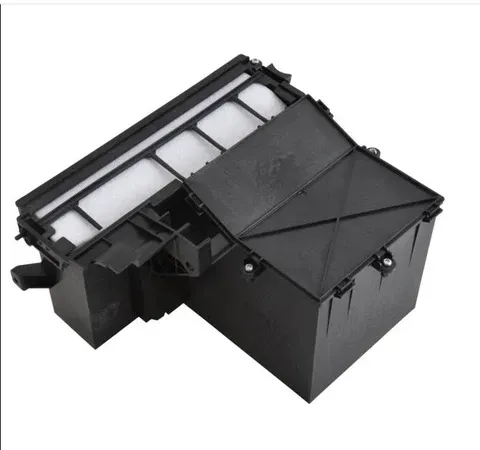
Designjet Z6, Z9+, T1700, T1708
Button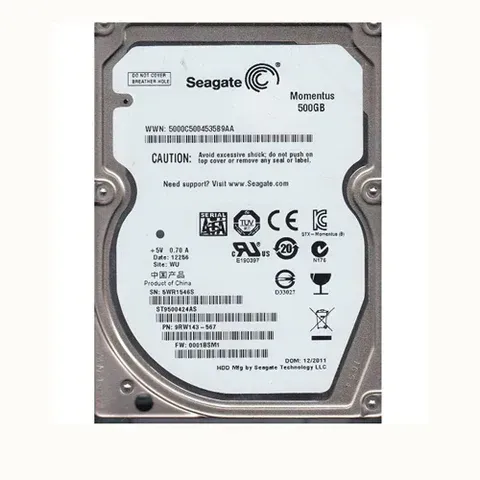
Designjet Z2600, Z5600
Button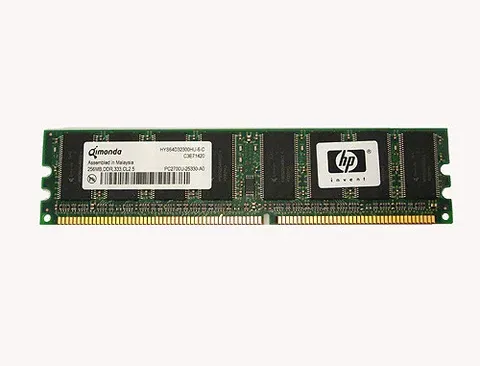
HP Latex L25500
Button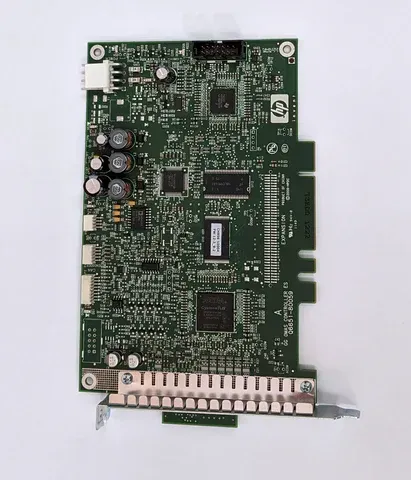
HP Latex L26500
Button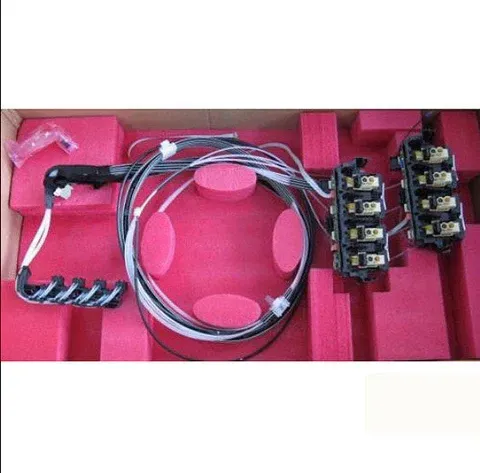
HP Latex 330, 360
Button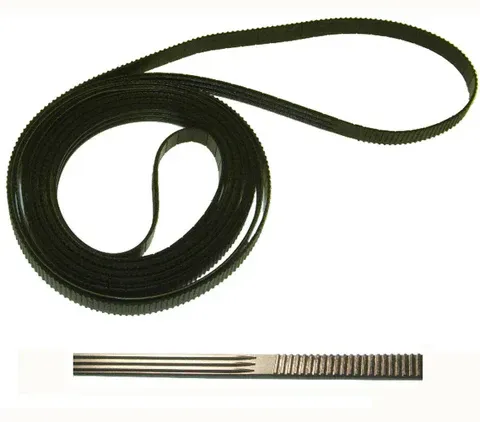
Refurbished Equipment and Model Selection
If your current device is nearing end-of-life or repair costs are high, we can recommend refurbished models that match your needs. Refurbished options are thoroughly tested and reconditioned with genuine or high-quality replacement parts to deliver cost-effective alternatives.
Specific Example Models and Typical Service Notes
Canon imageRUNNER ADVANCE Series
Commonly requires maintenance on imaging units, fusers, and finishing modules. Firmware updates recommended for network security.
HP LaserJet Enterprise MFPs
Often need fuser replacement and software/driver updates for network printing. Page sensors and duplexer components can wear on high-volume units.
Brother HL and MFC Lines
Frequent issues include transfer roller wear and paper feed roller replacement.
Lexmark MS/MX Series
Known for robust performance but require drum and developer maintenance on high-volume usage.
Xerox WorkCentre and Versalink
Complex finishing units and software integrations typically require experienced technicians.
Canon imagePROGRAF & HP DesignJet
Wide-format plotters need careful calibration for color and registration, and maintenance of media paths and cutter assemblies.
Zebra ZT Series
Label printers require periodic printhead cleaning, ribbon tension adjustments, and sensor recalibration.
Categories of Supported Models
Brands and common series we support include:
-Ricoh
-Kyocera
-Sharp
- Canon imageCLASS and imageRUNNER series
- HP LaserJet and OfficeJet Enterprise models
- Brother HL and MFC series
- Xerox WorkCentre and VersaLink series
- Lexmark MS and MX series
These office devices range from single-function printers to robust multifunction devices with scanning and finishing capabilities.
Office Printers and Multifunction Devices
Common models in wide-format print and plotter categories include:
- Canon imagePROGRAF large-format printers and plotters
- Epson SureColor P-Series in some vertical markets
- HP DesignJet series (for CAD, GIS, and large-format prints)
- Epson SureColor P-Series in some vertical markets
-T-Series
Wide-format devices require specialized media handling, printhead maintenance, and calibration.
Wide-Format Plotters and Large-Format Printers
Label printing and barcode solutions:
- Zebra ZT, GK, and ZD series
- Brother QL and industrial label printers
- Datamax and SATO models (when applicable)
We handle printhead alignment, media sensors, ribbon feeds, and cutter/peeler modules.
Label and Thermal Printers
We service many legacy or specialty models used in niche production environments. If you have an older or less common model, provide the serial number and symptoms for quick assessment.
Specialty and Legacy Models
How to Identify Your Model for Faster Service
Locate the device make and model on the front or back panel.
Record the serial number — often on a sticker at the rear or inside a service panel.
Note firmware versions and any displayed error codes.
Provide a brief description of symptoms and approximate days of usage or monthly print volume.
Lifetime and Maintenance Considerations by Model Type
Office Printers: Typically economical to maintain with scheduled maintenance every 6–12 months depending on volume.
Production Printers: Require proactive monthly or quarterly maintenance. Managed SLAs are recommended for predictable uptime.
Wide-Format Plotters: Maintenance frequency depends on use; high-volume shops may need monthly servicing.
Label Printers: Regular head cleaning and calibration are essential to prevent jams and poor scanning performance.
Frequently Asked Questions (FAQs)
Do you service models not listed on the page?
Yes. We service many additional models beyond those listed. Provide model and serial number when contacting us.
How do I know if my printer model is still serviceable?
We evaluate parts availability and cost-effectiveness. If parts are scarce or prohibitively expensive, we will advise on replacement options.
Can you help me choose a model for my business?
Yes. We consult on volume needs, feature requirements, and total cost of ownership to recommend suitable models — both new and refurbished.
Do you keep spare parts for all models?
We maintain an inventory of common parts for frequently serviced models and can source specific parts as needed.
Are certain models better for high-volume office use?
Yes. Enterprise-class devices from HP, Xerox, Canon, Ricoh, Kyocera, Sharp and Lexmark are built for high throughput and often offer lower cost-per-page and better reliability for heavy usage.
Contact BMI Copier, Printer and plotter Repair experts in Northern NJ.
For immediate assistance, call us. If you prefer written inquiries, include details about the device model, symptoms, and whether the device is under warranty so we can prepare appropriately.